Hosted Client Authorization - Let Users Manage a Specific Clients Miners
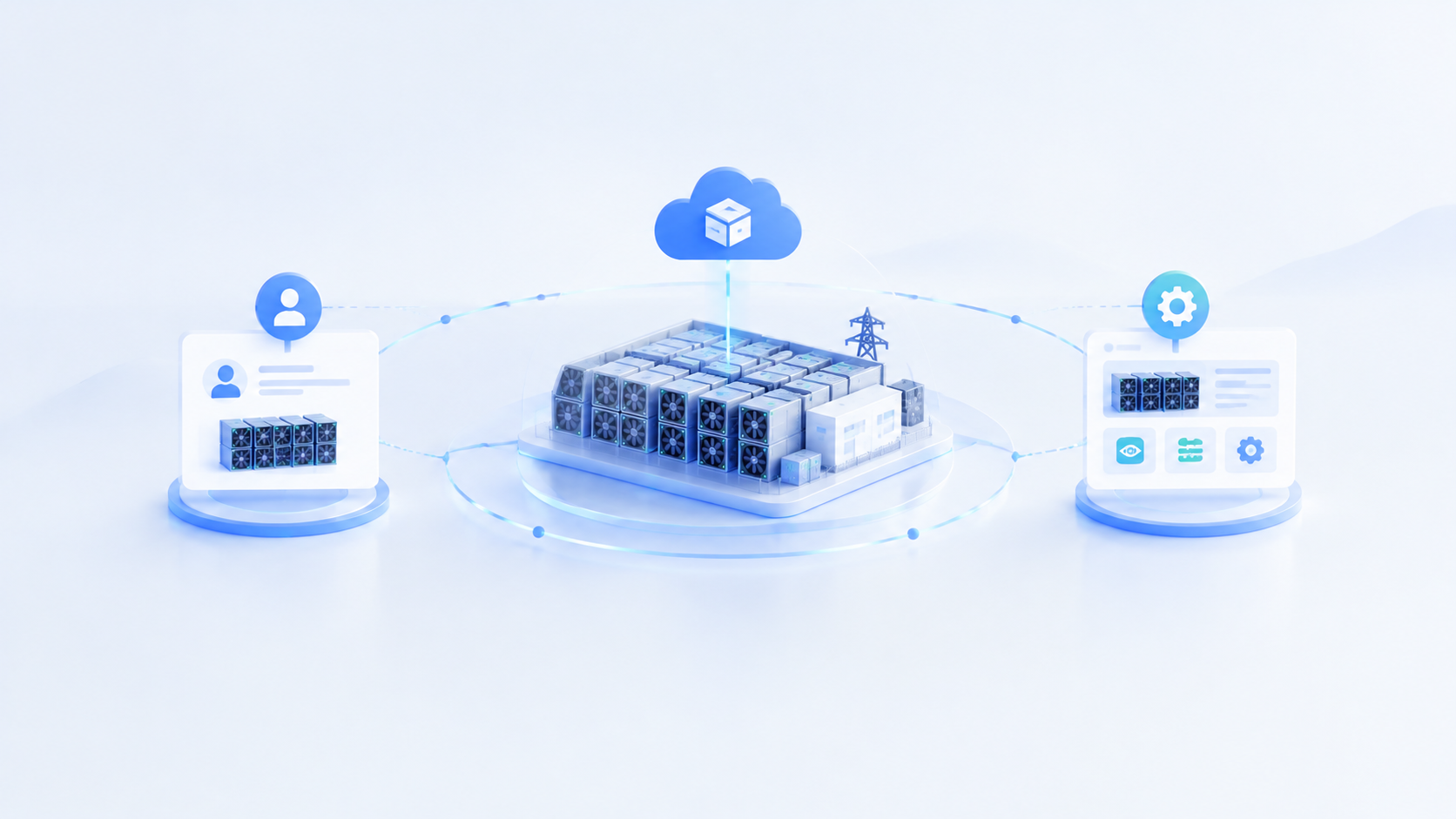
A mining site may run equipment for several clients. The operator needs visibility across the entire site, while each client wants to see its own equipment. These different needs call for different data scopes within the system.
In ItsMiner, a self-operated site covers all miners across all clients at the site. A hosted site is limited to one client, and users accessing it can see only that client’s equipment. Clients use hosted sites to view their own miner information and can also manage miners within that scope.
Operators See the Whole Site. Clients See Their Own Equipment.
Suppose a self-operated site contains miners belonging to Clients A, B, and C. The operator uses the self-operated site to view and manage all equipment and handle daily work across the site.
When Client A wants to view its own miners directly, the operator can authorize a designated user to access Client A’s equipment. That user enters through a hosted site and sees Client A’s miners. Equipment belonging to Clients B and C is outside that hosted site’s scope.
The distinction is coverage: a self-operated site includes all clients at the site, while each hosted site covers just one client. A hosted site does not provide site-wide access to equipment belonging to multiple clients.
Hosted Sites Support Both Viewing and Management
Some clients want to check their miners directly, without asking on-site staff to look up information, take screenshots, and send a reply each time. A hosted site serves this need even when the client does not participate in daily operations.
Other clients have their own operations staff who need to review equipment status and perform operations. A hosted site supports this use as well, with operations limited to that client’s miners.
Clients do not need to participate in operations to use a hosted site. They can use it simply to view their equipment or to take part in managing it.
For the operator, the key steps are to identify the designated user, confirm the relevant client, and verify which miners belong to that client. For the client, both viewing and management take place within a clearly defined equipment scope.
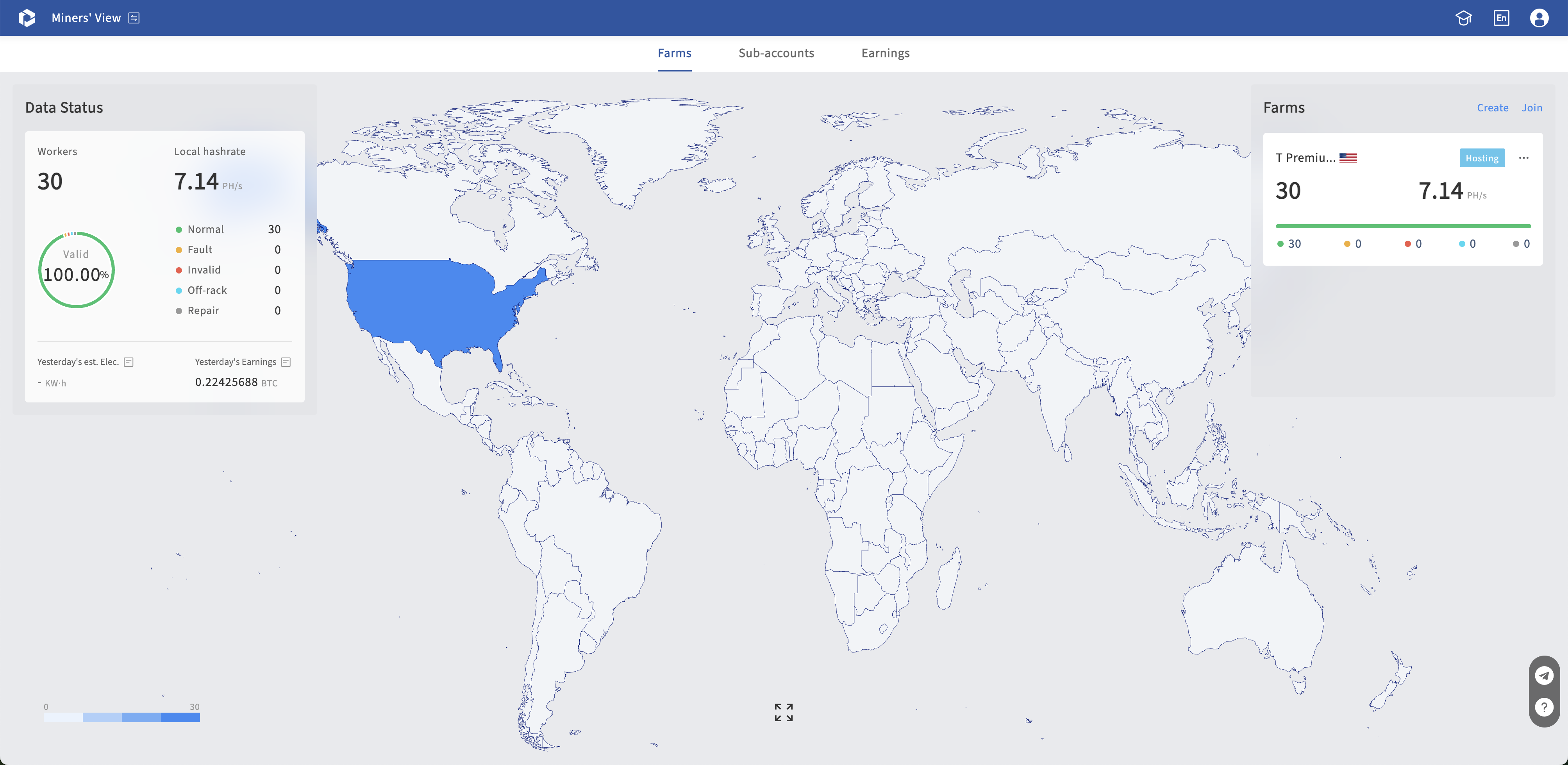
Observer Pages Show Pool and Revenue Information
If a client only needs pool and revenue information, an Observer Page link can be generated for that client. Opening the link displays only the Pool and Revenue modules, with no operation controls.
Clients who need to view their own miner information access it through a hosted site. The hosted site also supports managing miners within that client’s scope.
Start by asking what the client needs to see. Use an Observer Page for pool and revenue information. Use a hosted site for miner information or participation in miner management. This keeps the access method aligned with the client’s actual needs.
Keep Client Scope Clear in Daily Collaboration
The operator manages equipment across multiple clients through the self-operated site. Clients access their own equipment through hosted sites, where they can view miner information and participate in management.
This arrangement preserves the operator’s site-wide visibility while letting clients check miners within their authorized scope. On-site staff can spend less time relaying routine information, and clients who participate in management have a defined set of equipment to work with.
First, confirm what information the client needs and whether it will participate in management. Then authorize the designated user to access that client’s miners. Each hosted site covers one client, giving both sides a clear scope for their work.
Contact us for a demo:
- Email: sales@powsell.com
- Telegram: @ItsMinerOfficial
Subscribe to ItsMiner's Blog
Get the latest posts delivered right to your inbox