1. Why does the miner show “Offline” even though it is accessible from the backend?
Possible reasons:
1. IP conflict – check in Workers List → Lrregular Config → IP Conflict.
2. Unstable network – verify network connection or try again later.
3. The miner has moved from a monitored subnet to an unmonitored one – please add the subnet to the monitoring server or move the miner back to a monitored subnet.
2. Why does the miner’s hashrate show as 0 even though it is actually hashing?
This may be caused by incompatible firmware versions (e.g., WhatsMiner 20241209) or abnormal miner operation. Please check miner logs or try switching firmware versions.
3. How can I check the miner’s SN code? Why is the SN with a “U” prefix not recognized by the official vendor?
For WhatsMiner and Antminer, the SN code is automatically retrieved via the miner’s API. Bitmain officially recognizes another set of SN labels (with A/B/C/D). Please refer to the SN label printed on the miner chassis.
4. Which temperature does the system display for the miner?
The system displays the highest temperature among all hashboards.
5. Why does the miner show “Offline” while the mining pool hashrate remains normal?
This may be caused by network fluctuations, IP conflicts, incorrect password, or failed reporting from the monitoring server. Please check network connectivity, password configuration, and server status.
6. Why is the number of miners in ItsMiner different from the mining pool?
Exported reports and real-time statistics use different data scopes. Please check the export time and whether all sub-accounts are included.
7. WhatsMiner does not have a Sleep mode. How does ItsMiner implement it?
ItsMiner encapsulates the command to disable hashboards into a “Sleep mode,” achieving a similar effect.
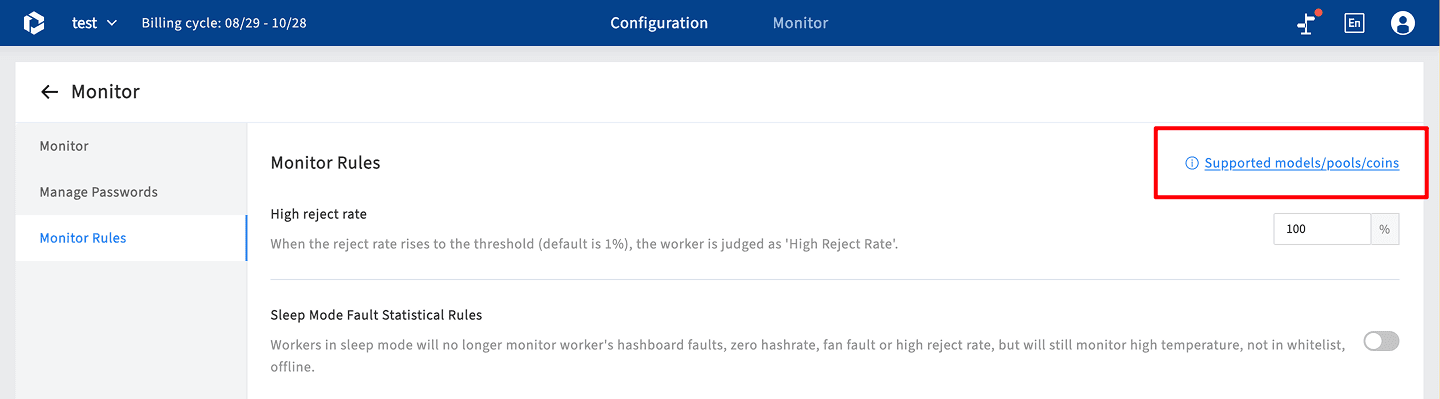
8. Which miner models are supported by ItsMiner?
Most mainstream models are supported. You can view the full list under [Configuration] → Monitoring Rules.
9. Why are some miner models identified as “Other”?
The system has detected an unconfigured miner model. Please contact technical support to have it added immediately.. - View complete supported model list in [Monitoring Rules].
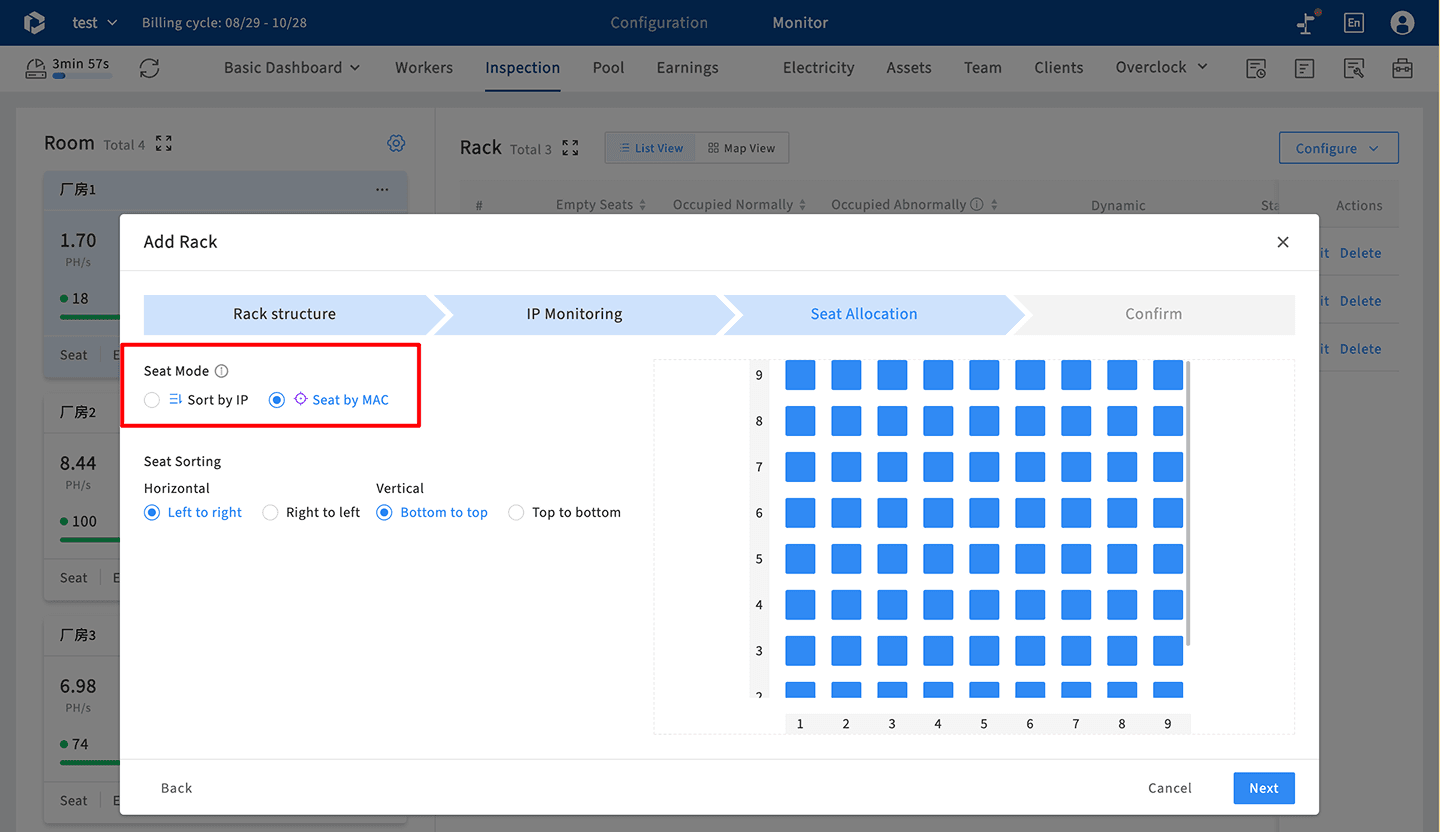
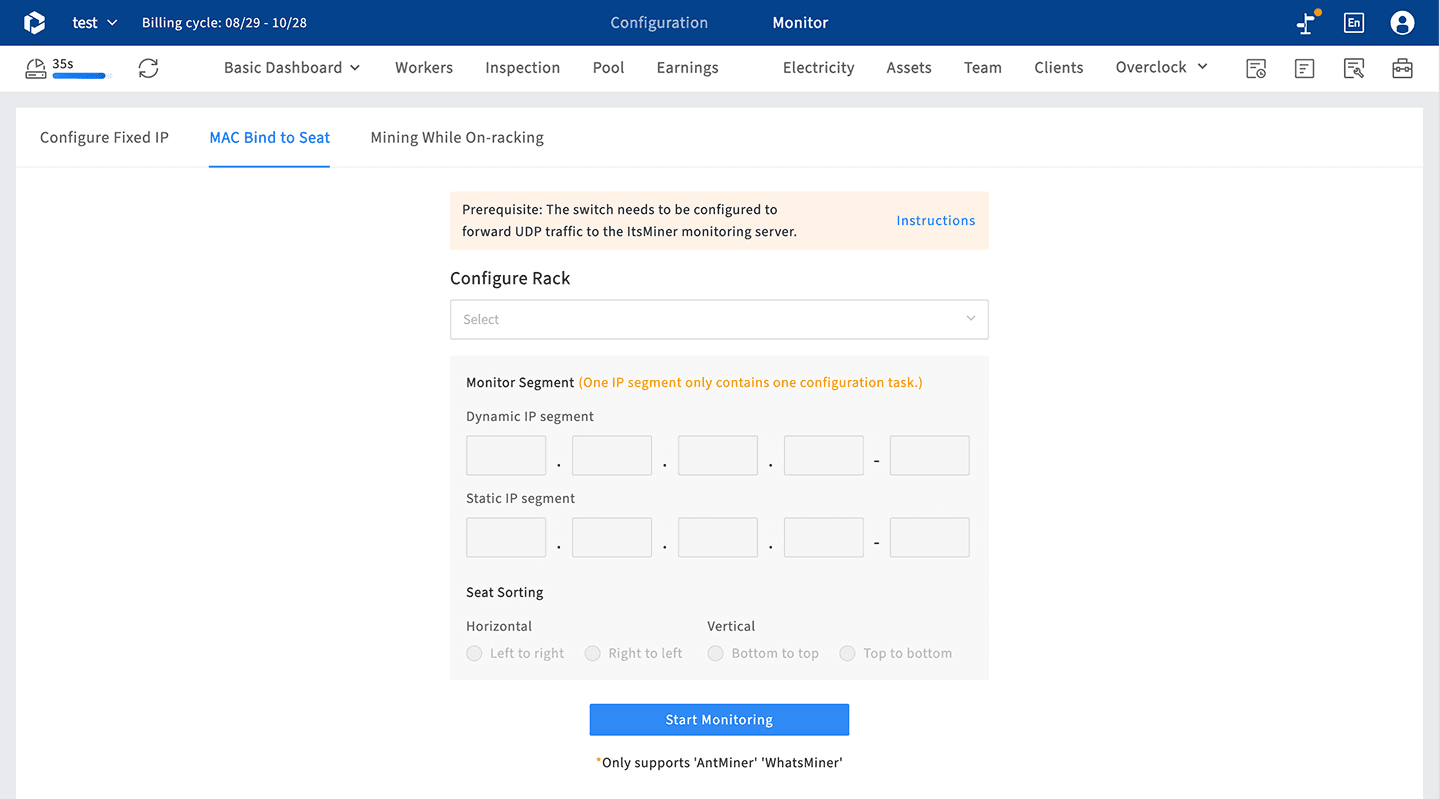
10. Does ItsMiner support binding miners via MAC address?
Yes. In the [Inspection] module, configure racks as “MAC address type.” Then, use the [Tools] → Bind MAC Address function for quick bulk configuration. You can also directly assign miners to rack slots in the [Inspection] module.